No Wi-Fi at the location
A farm, storage shed, or remote building may not have a broadband connection. A compatible 4G camera can use a cellular network instead.
Need to monitor a farm, shop, gate, or remote property where Wi-Fi is unavailable? A 4G SIM CCTV camera may help you view your property remotely. First, understand network coverage, data costs, power, and recording options.
Imagine owning a field outside town, a small shop that closes at night, or a storage building far from your home. You want to check what is happening there, but installing broadband is inconvenient or expensive. This is where a cellular security camera can be useful.
A 4G SIM camera uses a compatible cellular network for connectivity. A regular Wi-Fi camera normally connects through a Wi-Fi router. Both can offer remote viewing, but their connectivity requirements differ.
Start with your problem
The right camera depends on where you will install it and what you want to monitor.
A farm, storage shed, or remote building may not have a broadband connection. A compatible 4G camera can use a cellular network instead.
Check a property from your phone while you are somewhere else, provided the camera and your phone have internet access.
Compatible cameras offer an app for live viewing and may support motion alerts and playback, depending on the model.
Check cellular signal over the exact area where the camera will be mounted.
Consider coverage, viewing needs, storage capacity, and whether continuous recording is required.
Choose a suitable power source and weather protection for the installation.
Recommended Camera Options
Looking for a security camera that works without Wi-Fi? These five SIM-supported CCTV camera options offer different combinations of remote monitoring, night vision, motion detection, camera rotation, and local recording. Compare their listed features and confirm the latest specifications before buying.
Buying Tip: These products are presented as a comparison list, not an independently tested ranking. Check cellular band compatibility, customer reviews, warranty, included accessories, and data costs before making your decision.
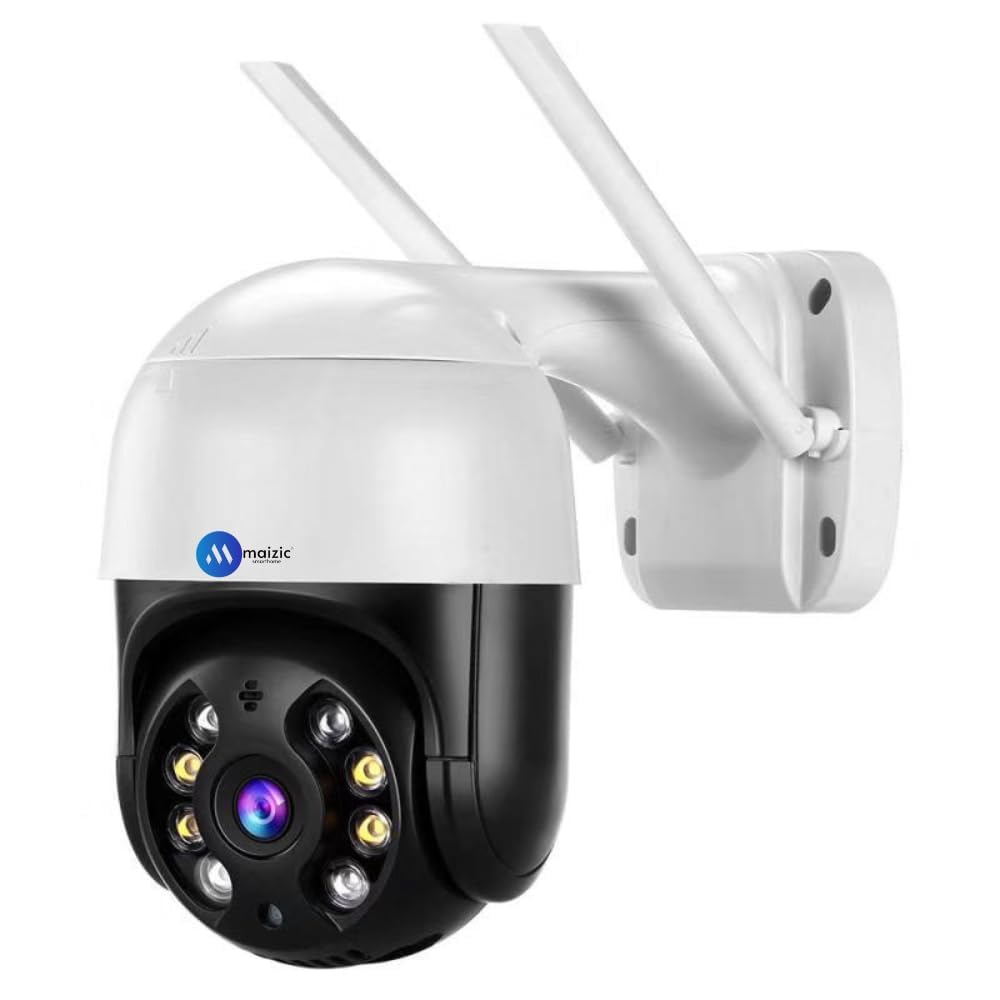
A feature-rich option to consider for outdoor monitoring of a home entrance, shop, or office premises.
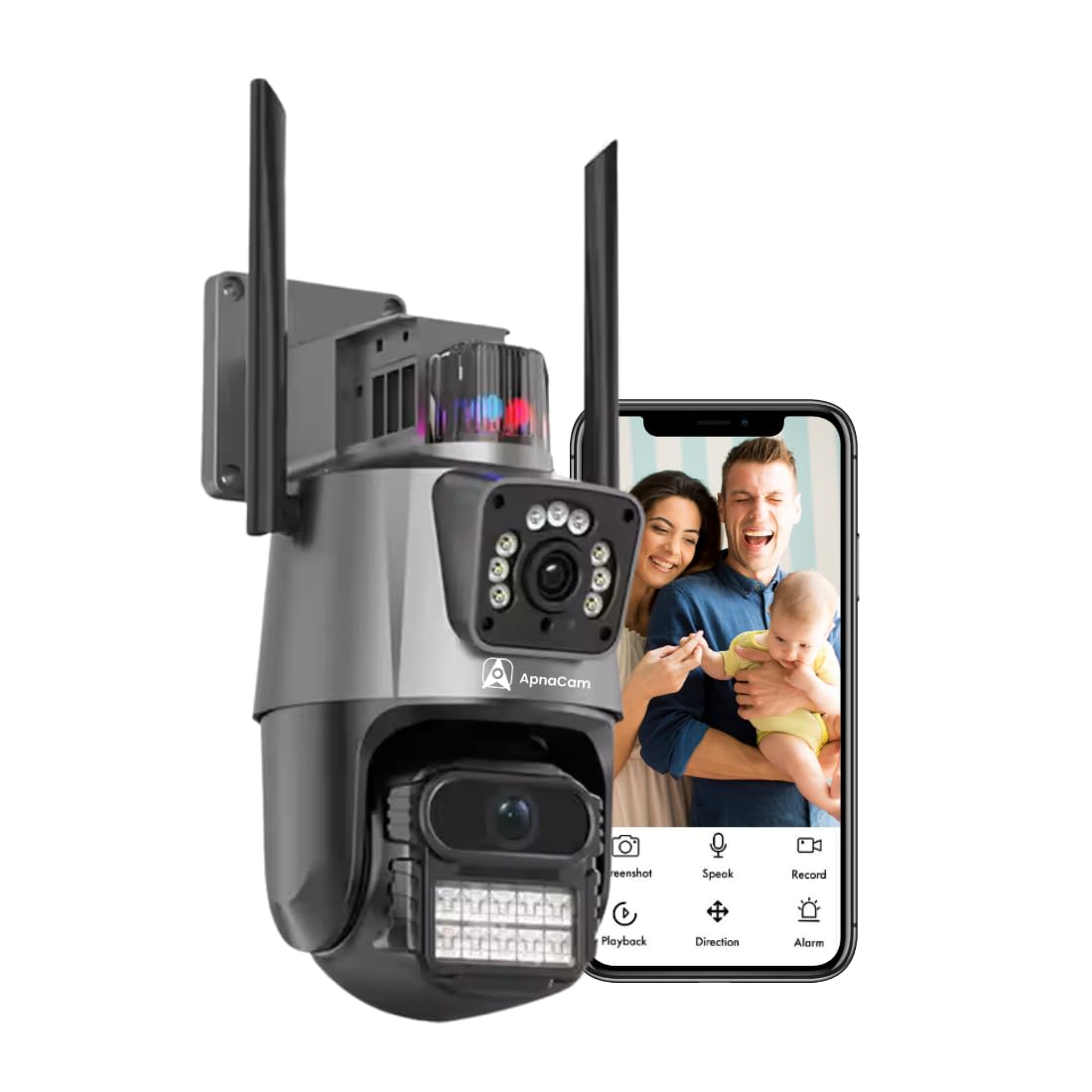
A dual-lens option to investigate if you want broader monitoring coverage around a home, shop, or office.
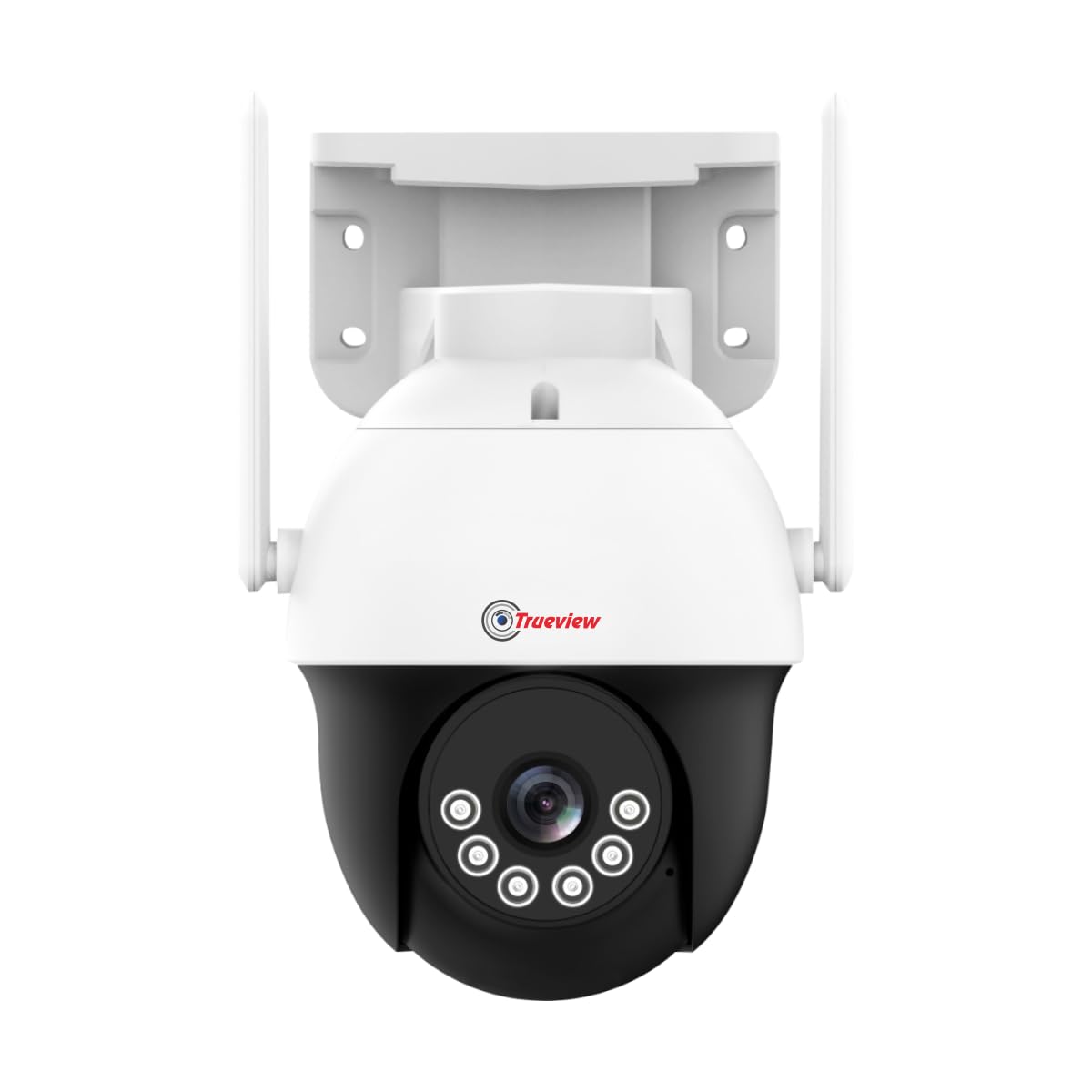
A compact camera option for users who want remote monitoring and adjustable viewing angles.
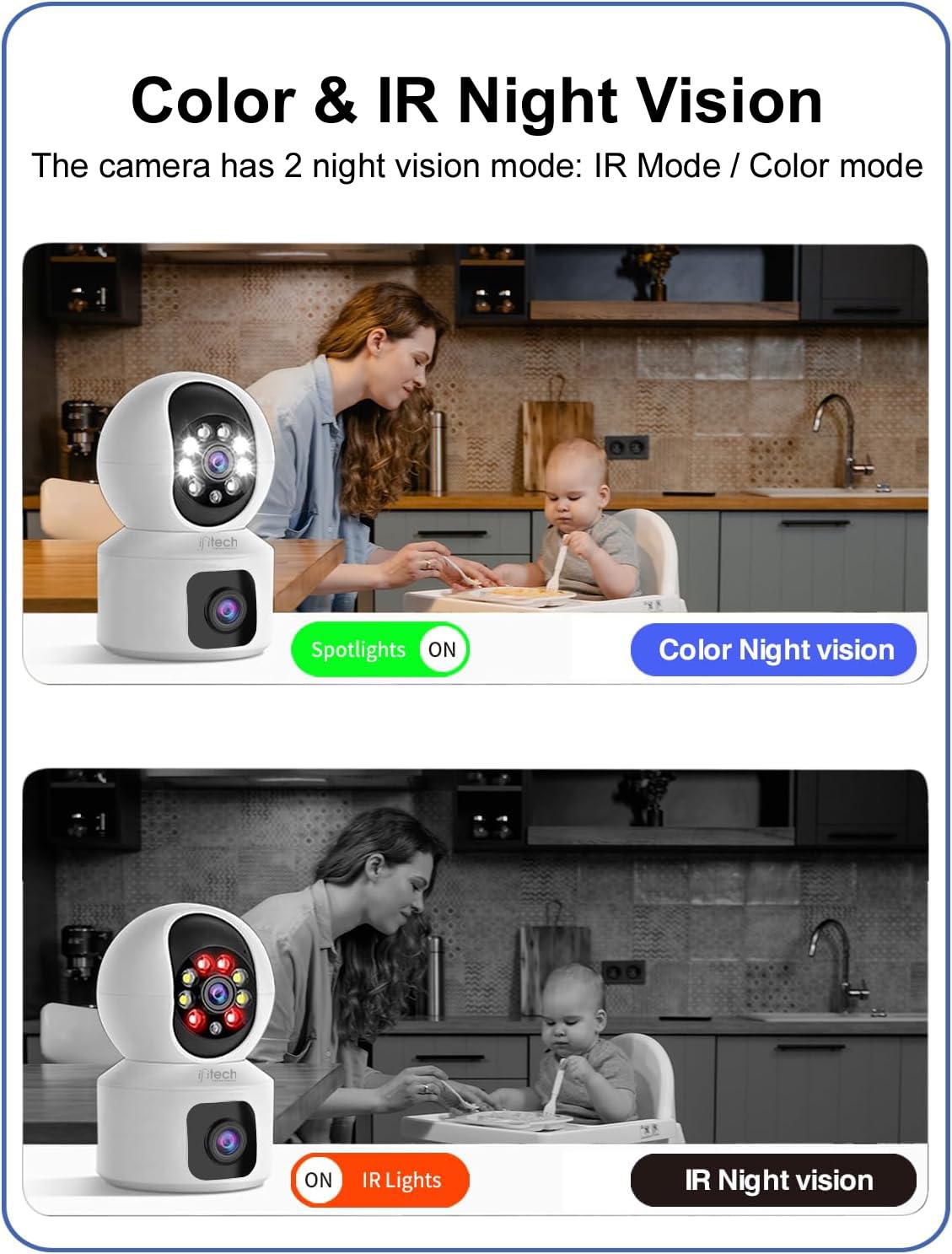
Consider this option when you need a SIM-connected camera with remote movement and night monitoring features.
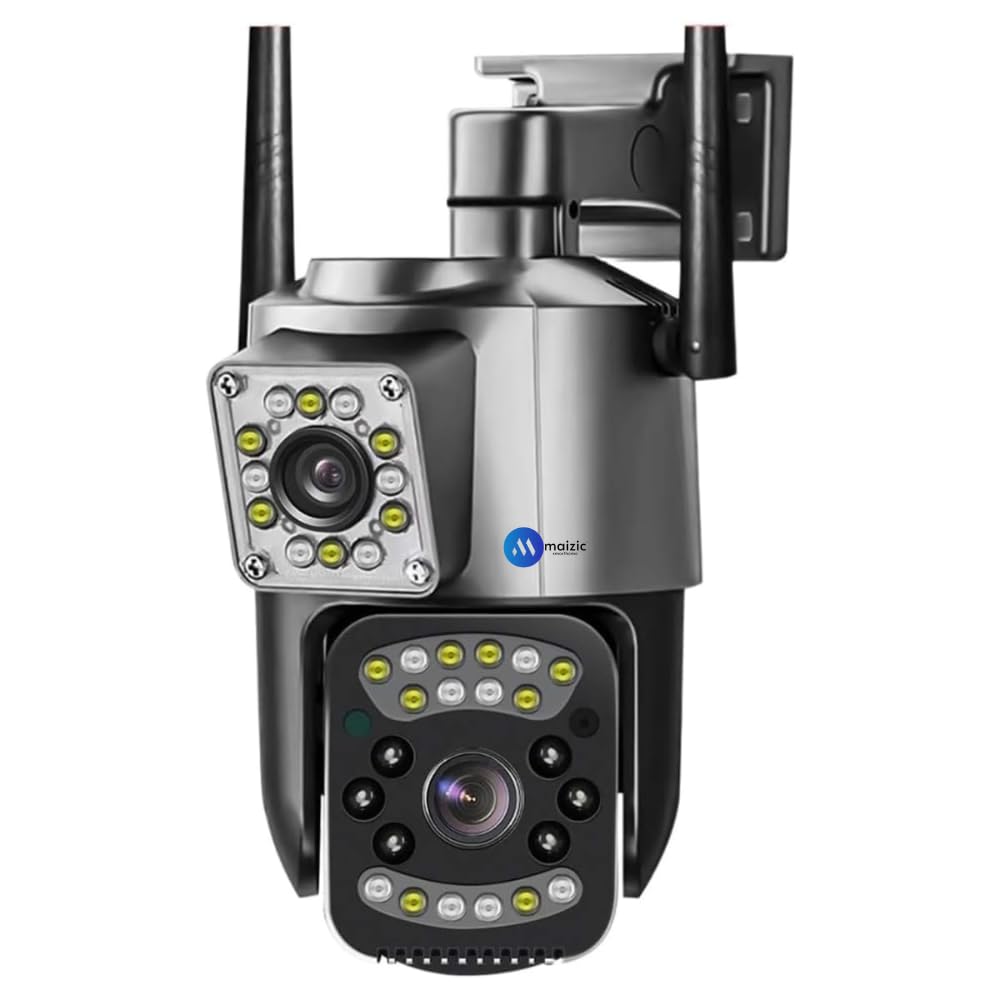
Another outdoor camera option to compare for basic property monitoring, depending on its current price and specifications.
Compare more models, current prices, customer reviews, recording options, and available offers on Amazon India.
Before you spend money
A low advertised price does not tell you the total ownership cost. Check these features against your actual needs.
Check 1
Check supported LTE bands, SIM requirements, carrier compatibility, and actual signal strength at the installation site.
Check 2
The camera may need a separate data plan. Live streaming and frequent remote viewing can consume substantial data.
Check 3
Check microSD support, maximum card capacity, playback features, and whether cloud recording requires a subscription.
Check 4
Confirm whether the camera needs a continuous power connection, uses a rechargeable battery, or supports solar charging.
Check 5
Look for suitable night vision, motion detection, notification settings, and the field of view you need.
Check 6
For exposed locations, check the IP weather-resistance rating, operating temperature, mounting options, and warranty.
The exact setup varies by model, but the typical process looks like this.
Follow the manufacturer's SIM and activation instructions.
Confirm reliable cellular coverage at the installation point.
Connect power, install the official app, and complete setup.
Configure supported local storage or cloud recording.
A battery-powered or solar-assisted 4G camera may suit some remote installations. However, sunlight, battery size, weather, and recording activity affect how long it can operate.
Before choosing a model, account for the costs that may arise after purchase.
The purchase price of the device.
Recurring mobile data charges, depending on usage and plan.
A compatible memory card or optional cloud-storage plan.
Possible mounting, wiring, battery, or solar accessories.
Tip: Ask whether the advertised package includes a SIM, data, memory card, solar panel, and any required mounting accessories. Inclusions differ by seller and model.
Yes. A compatible 4G camera can connect through a supported cellular network instead of Wi-Fi. You still need adequate mobile coverage, a suitable SIM and data plan, and power.
Remote live viewing and app notifications generally require the camera to have internet access through its cellular connection. Some cameras can record locally even when the connection is unavailable, depending on their features and settings.
Not necessarily for the camera itself, but cellular data usually has a cost. Local microSD recording may avoid a separate cloud-storage subscription if the model supports it. Check the complete cost before buying.
Yes, if the chosen camera supports the local cellular network, receives a reliable signal at the mounting location, and has a suitable power source and outdoor protection.
Solar-assisted cameras depend on sunlight, battery capacity, weather, and recording activity. Check the manufacturer's specifications rather than assuming a solar panel guarantees uninterrupted operation.
Choose the type of camera that matches your situation.
PriceTag HUB aims to explain practical buying decisions clearly. Check the manufacturer's current specifications, network compatibility, warranty, and total running costs before purchasing a security camera.