Practical home security guide

Top 5 Best Indoor CCTV Cameras for Home

Looking for an indoor camera to monitor your home, check on pets, or view a room while you are away? Compare five cameras by their advertised features, recording options, night vision and privacy considerations before deciding which one suits your needs.

Wi-Fi camerasNight visionStorage choices

An indoor CCTV camera can help you check what is happening at home while you are away. However, the right choice depends on what you need to monitor, how you want to store recordings, and whether you need features such as motion tracking, two-way audio or cloud access.

How these five cameras are presented

The list is organised by intended use and the features in the supplied product information. It is not an independently tested performance ranking. Check current listings and exact model specifications before making a purchase.

Compare your options

Top 5 Indoor CCTV Cameras

Review the key advertised features of each camera and use the product links to check current prices, availability and details.

Best All-Rounder
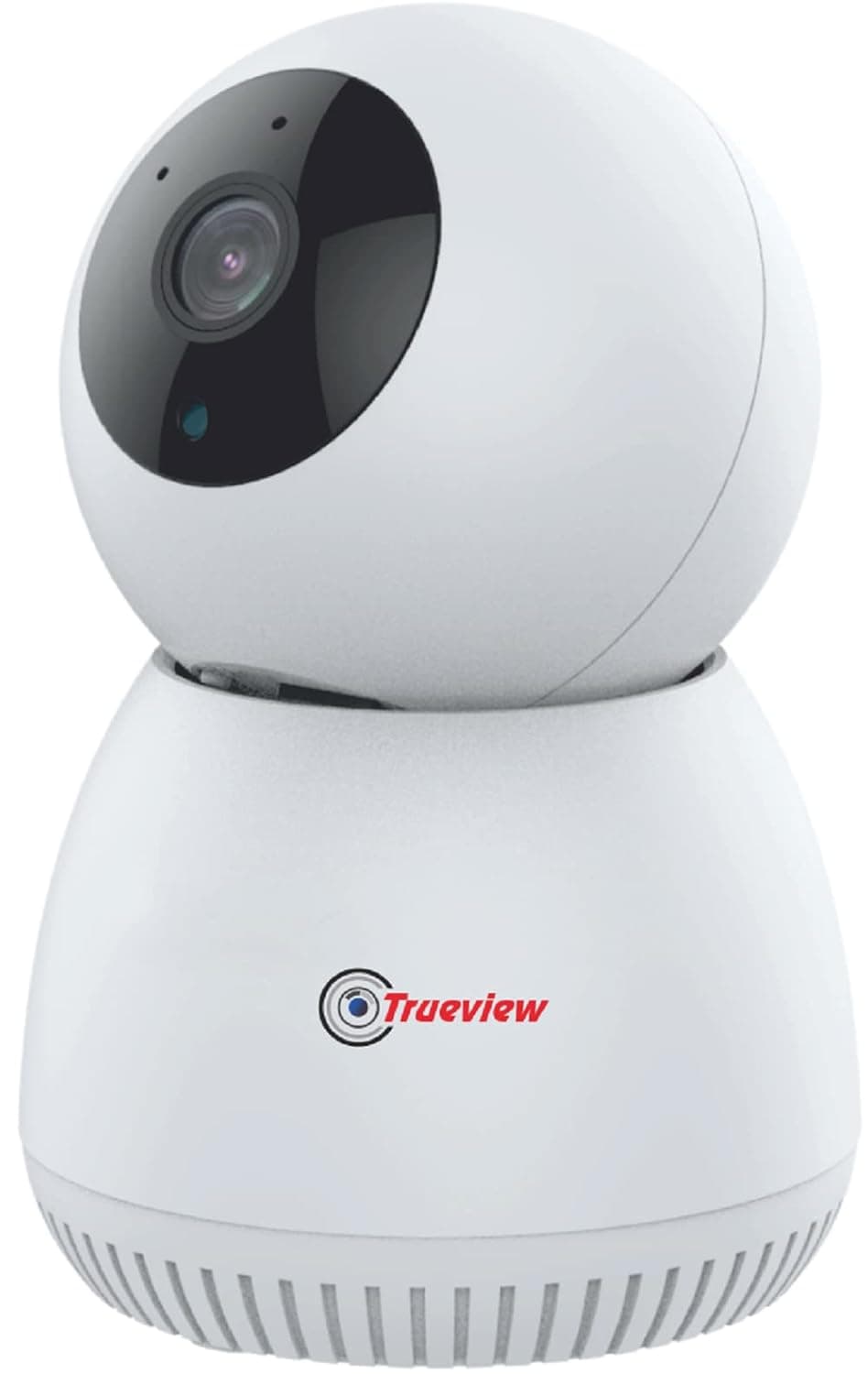
Trueview 3MP WiFi indoor security camera
1. Best All-Rounder

Trueview 3MP WiFi Robot Security Camera

A versatile option for home and office monitoring. Its advertised features include 360° pan-and-tilt coverage, AI auto tracking, two-way audio, color night vision and microSD support up to 256GB. The supplied listing mentions STQC certification; verify the exact model and certificate before purchasing.

  • 3MP advertised resolution
  • 360° pan and tilt
  • AI auto tracking and two-way audio
  • Color night vision
  • Alexa compatibility
  • Up to 256GB memory card support
  • STQC certification claimed in supplied listing
Smart Security
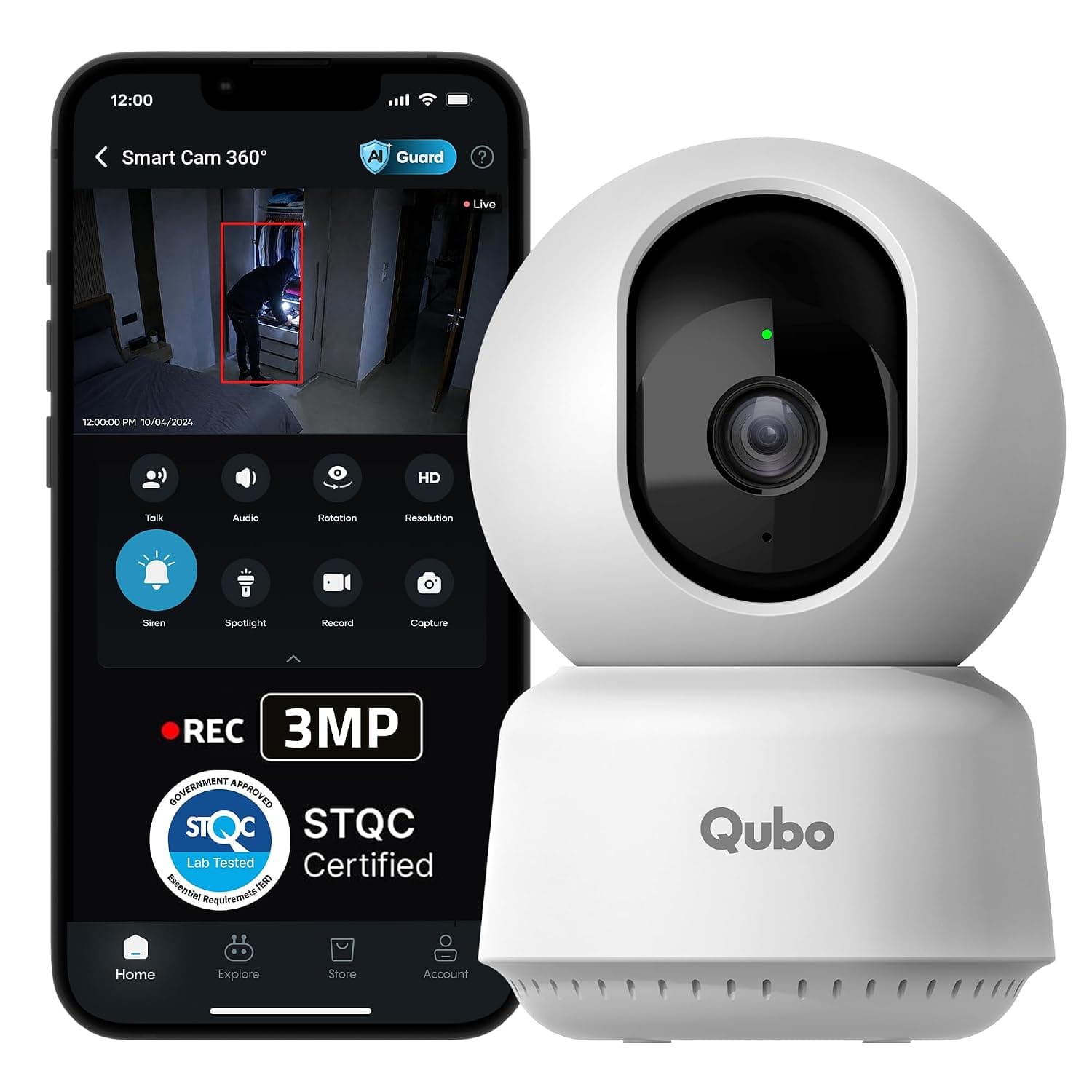
Qubo Smart Cam 360 degree indoor camera
2. Best for Smart Security Features

Qubo Smart Cam 360° 3MP

Worth considering if you want smart alerts and additional security features. The supplied listing describes AI person detection, an intruder alarm, night vision, two-way talk and cloud recording without an SD card. Check subscription costs, recording retention and the exact model's STQC certification before buying.

  • 3MP advertised resolution
  • AI person detection
  • Intruder alarm
  • Night vision
  • Two-way talk
  • Cloud recording option
  • STQC certification claimed in supplied listing
Smart Tracking
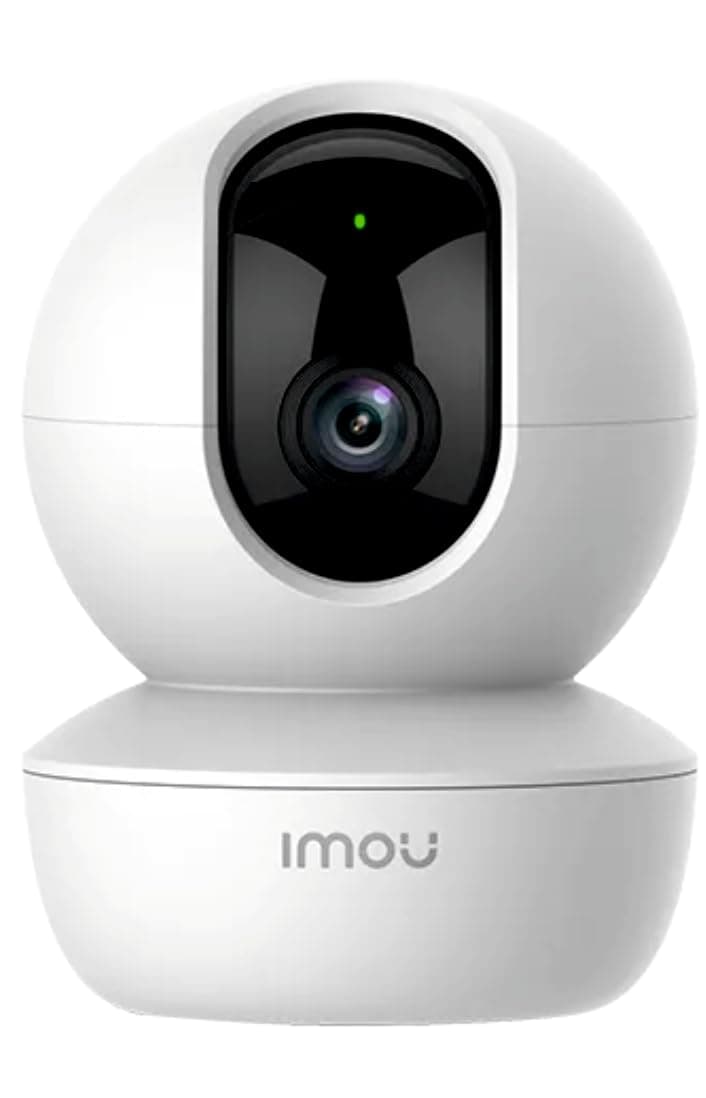
Imou Ranger S2 3MP WiFi security camera
3. Best for Tracking and Coverage

Imou Ranger S2 3MP WiFi Security Camera

A feature-focused indoor camera for monitoring rooms and following movement. Its supplied specifications include pan-and-tilt movement, human detection, smart tracking, two-way audio, night vision and memory card support up to 256GB. Confirm the precise variant and supported features before ordering.

  • 3MP advertised resolution
  • Pan and tilt
  • Human detection
  • Smart tracking
  • Two-way audio
  • Night vision
  • Up to 256GB memory card support
Smart Home
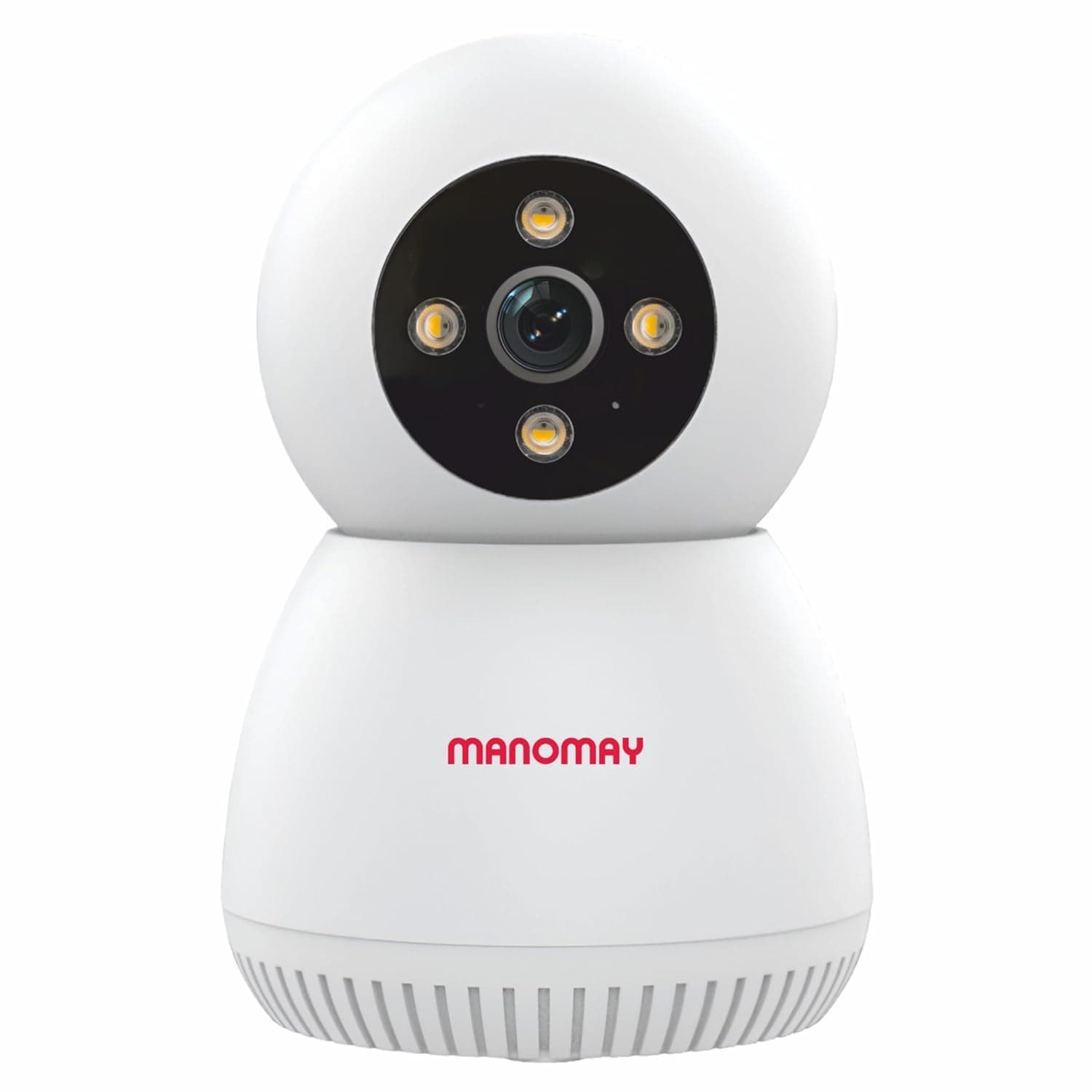
MANOMAY Protect Bot 3MP pan tilt camera
4. Best Alternative for Smart Home Monitoring

MANOMAY Protect Bot 3MP Wi-Fi Pan-Tilt Camera

An alternative to compare for rotating indoor coverage, AI human tracking, color night vision and voice-control features. The supplied listing mentions STQC certification and memory card support up to 256GB. Verify the model number, certificate, app requirements and recording options before purchasing.

  • 3MP advertised resolution
  • 360° smart home monitoring
  • AI human tracking
  • Color night vision
  • Alexa voice control
  • Up to 256GB memory card support
  • STQC certification claimed in supplied listing
Bulb-Style Design
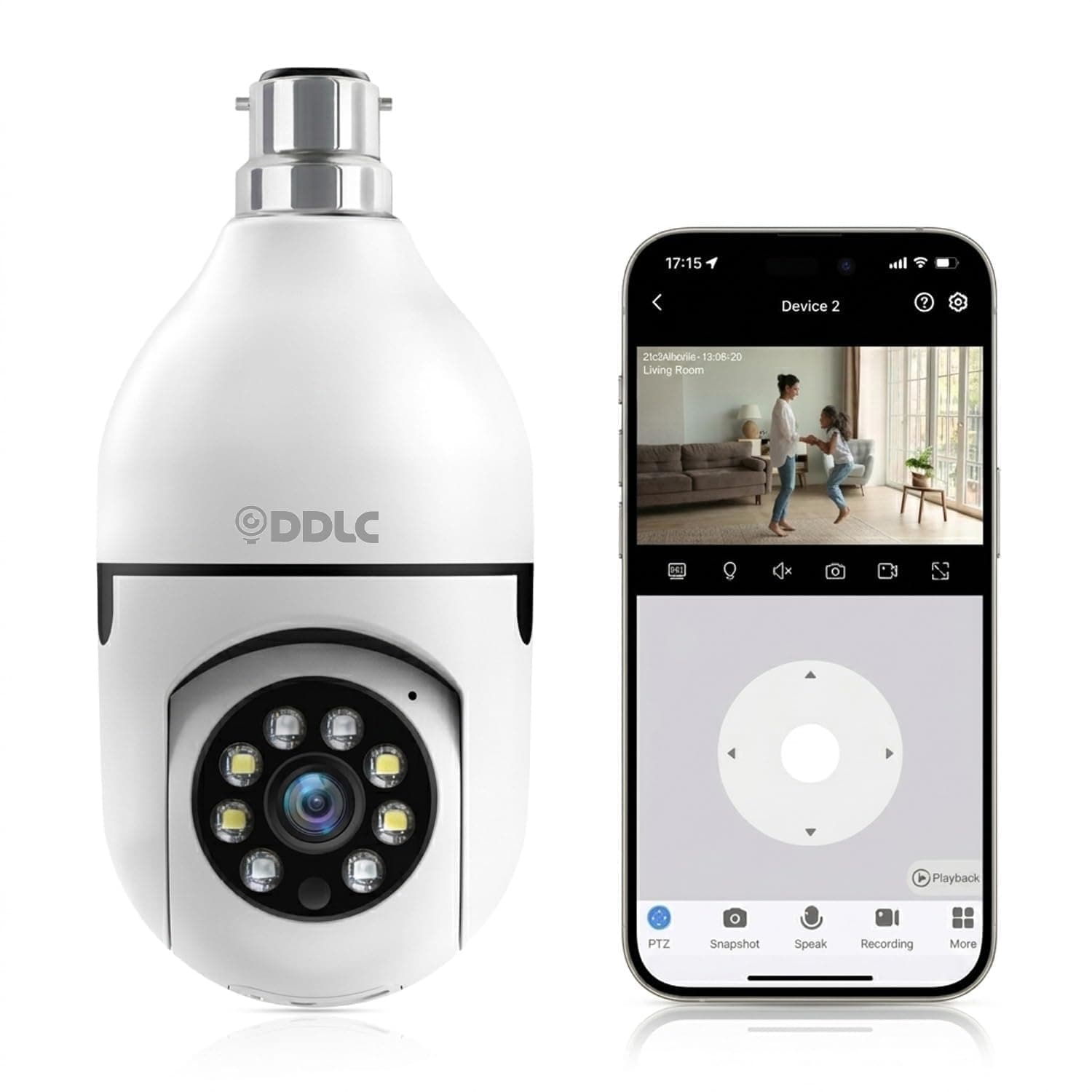
DDLC 4MP WiFi bulb-style indoor camera
5. Best Bulb-Style Camera to Compare

DDLC 4MP WiFi Light Bulb Camera

A different camera design for buyers considering a bulb-style installation. The supplied listing advertises 360° rotation, color night vision, motion detection, two-way audio and the V380 Pro mobile app. Check the socket and power requirements, Wi-Fi compatibility, privacy protections and recording features before buying.

  • 4MP advertised resolution
  • 360° rotation
  • Color night vision
  • Motion detection
  • Two-way audio
  • V380 Pro mobile app

PriceTag HUB may earn a commission from qualifying purchases made through affiliate links, at no additional cost to you. Product details and certification claims should be verified with the seller or manufacturer.

Match the camera to your needs

Which indoor camera suits your situation?

Living room

Look for a wide field of view, useful motion alerts, and recording options.

Pet monitoring

Two-way audio, remote viewing, and suitable motion detection may be useful.

Child's room

Prioritise secure access, privacy controls, reliable night vision, and audio features.

Features that matter

6 things to check before buying

More advertised features do not automatically mean a better camera. Focus on the features that solve your particular problem.

Feature 1

Wi-Fi compatibility

Check whether the camera needs 2.4GHz Wi-Fi, supports your router, and requires an internet connection for remote viewing.

Feature 2

Night vision

Compare low-light performance, infrared or color night vision, and the manufacturer's stated night-vision range.

Feature 3

Mobile app access

Look for live viewing, playback, useful notifications, app compatibility, and secure account controls.

Feature 4

Two-way audio

A built-in microphone and speaker may let you listen and talk through the camera app.

Feature 5

Recording and storage

Check microSD card support, recording modes, playback, cloud plans, and video-retention limits.

Feature 6

Pan and tilt

A rotating camera can cover more of a room than a fixed-view model, depending on its movement range and placement.

Is a higher-resolution camera always better?

Resolution affects the amount of detail a camera captures, but image quality also depends on the sensor, lens, lighting, compression and placement. Higher-resolution footage can use more storage and network bandwidth.

For basic monitoring

A suitable HD camera may be sufficient for general movement and monitoring a small room.

For more visual detail

Compare higher-resolution options when detail matters, while also checking lighting, placement and storage capacity.

Simple installation

How to set up an indoor Wi-Fi camera

Many consumer indoor cameras are designed for self-installation. Follow the instructions for your specific model.

01

Choose a suitable position

Place the camera where it can monitor the intended area without unnecessarily recording private spaces.

02

Connect the power

Check the power requirements, cable length and placement before installation.

03

Install the official app

Download the manufacturer's official app and follow the device-pairing instructions.

04

Configure recording and alerts

Set up supported storage, motion notifications, account security and privacy settings.

Recording options

Local storage vs cloud storage

Where recordings are stored affects ongoing costs, privacy and access to footage.

Local storage

Compatible cameras can save footage to a microSD card. This may reduce recurring storage costs, but capacity, recording modes and protection against camera theft vary.

  • May avoid cloud subscription fees
  • Check card capacity and recording settings

Cloud storage

Supported footage is uploaded to an online service. Depending on the plan, cloud storage may offer remote playback and access to recordings if the camera is damaged or stolen.

  • Check subscription fees and retention
  • Uploads require connectivity

Buying tip: Calculate the total cost of the camera, memory card and any cloud plan before deciding. A lower purchase price does not always mean a lower long-term cost.

Check privacy and account security

Indoor cameras can capture sensitive moments. Use a strong, unique password, install firmware updates, enable two-factor authentication if available, and restrict access to trusted users.

  • • Review who can access live feeds and recordings.
  • • Check privacy controls and account recovery options.
  • • Avoid recording areas where privacy would be invaded.
  • • Verify the exact model's security and certification claims.

Common mistakes when buying an indoor camera

  • • Buying without checking Wi-Fi compatibility.
  • • Assuming every feature is available without a subscription.
  • • Ignoring memory card and cloud-storage costs.
  • • Choosing based on resolution alone.
  • • Overlooking account security and privacy controls.
  • • Treating an unverified STQC claim as confirmed certification.

Common questions

Frequently asked questions

Which indoor CCTV camera is best for home?

The best option depends on your budget, room size, connectivity, storage preference and security needs. Compare the five cameras above, then check current prices, recent reviews and exact specifications.

Can I install an indoor Wi-Fi camera myself?

Many consumer indoor cameras are designed for self-installation. Usually, you connect the power, install the manufacturer's app, pair the device and configure recording and alerts. Follow the instructions for the specific model.

Can an indoor camera record without the internet?

Some models support local recording to a compatible memory card during an internet outage. Remote live viewing and notifications generally require connectivity. Check the individual camera's offline capabilities.

Does an indoor CCTV camera need a monthly subscription?

Not always. Some cameras support local memory-card recording without a cloud subscription, while cloud recording, extended video history or advanced features may require a paid plan.

Is a 360-degree camera always better?

Not necessarily. Pan-and-tilt cameras can cover a wider room, but a fixed camera may be sufficient for a doorway or a specific area. Placement, image detail and the actual field of view also matter.

How do I check whether a camera is STQC certified?

Do not rely only on a product title or a general brand claim. Ask the manufacturer or seller for the applicable certificate and verify that its model, scope and validity match the camera you intend to purchase.

Our Recommendations: Which CCTV Camera Should You Buy?

The right camera depends on the features you value most. Use these recommendations as a starting point, then compare current prices, reviews, warranties and model specifications.

For all-round home monitoring

Start by comparing the Trueview and Imou models for pan-and-tilt coverage, tracking, night vision and local recording.

For smart alerts and cloud recording

Consider the Qubo model if its detection and alarm features match your needs. Check subscription costs and cloud-retention terms first.

If STQC certification matters to you

Verify the exact model and applicable certificate with the manufacturer or seller before purchase. We have not independently verified certification for these five listings.

For a bulb-style installation

Compare the DDLC camera's socket, power requirements, app, recording options and security details with your installation needs.

These recommendations are based on the supplied advertised features, not independent product testing. Prices, availability and specifications may change.

Explore More Indoor CCTV Cameras

Explore Related Camera Guides

Find a camera guide that better matches your connectivity and monitoring requirements.